Virtual Visit
For Current Patients
Let’s keep your treatment on track. Help us keep an eye on your smile by checking in with your doctor virtually.
How It Works
Step 1:
Take 8 pictures of your smile from the angles below.


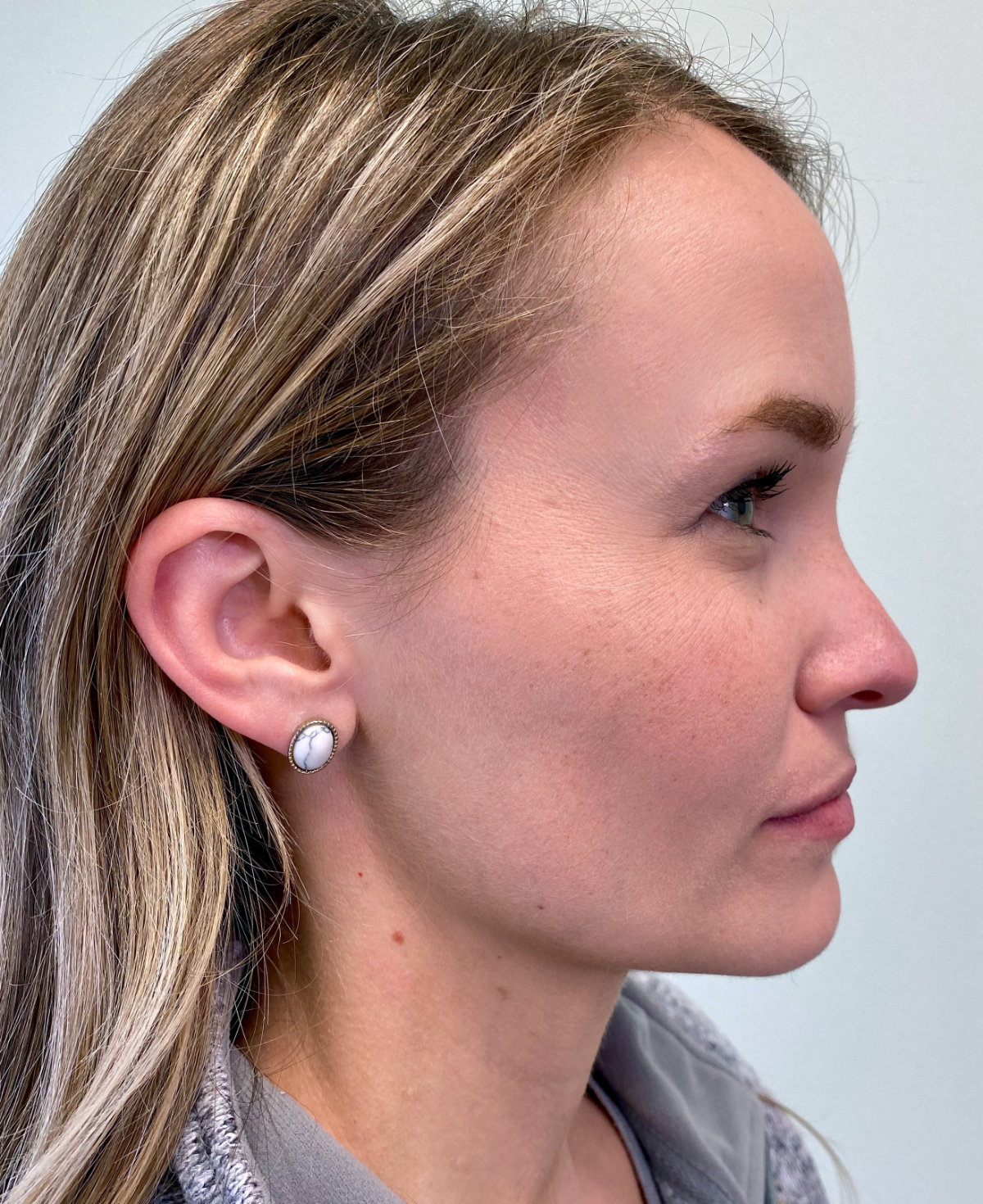
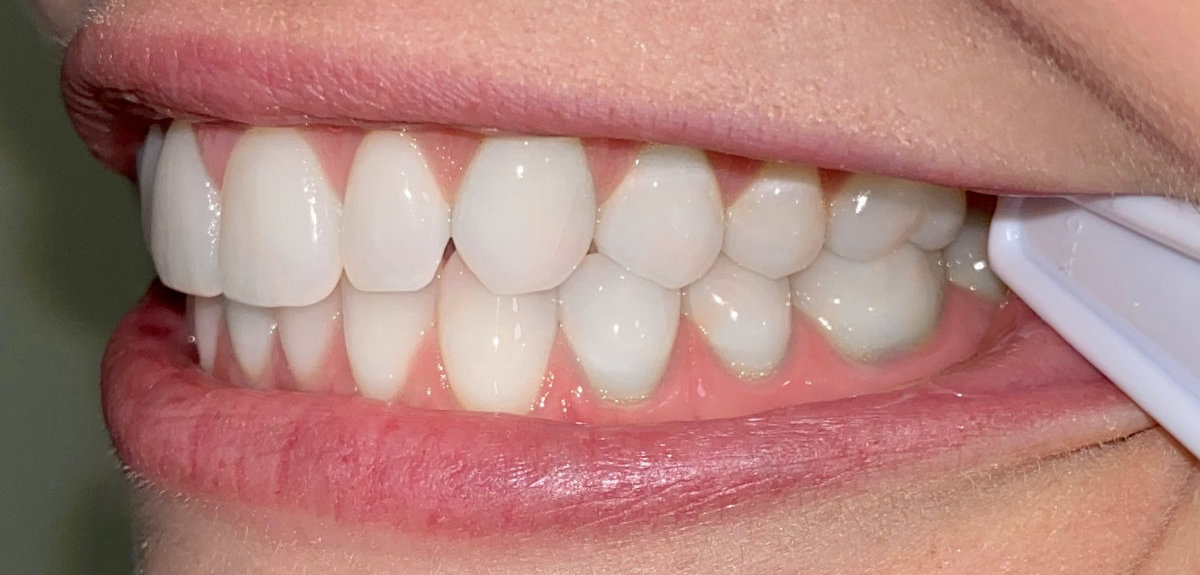
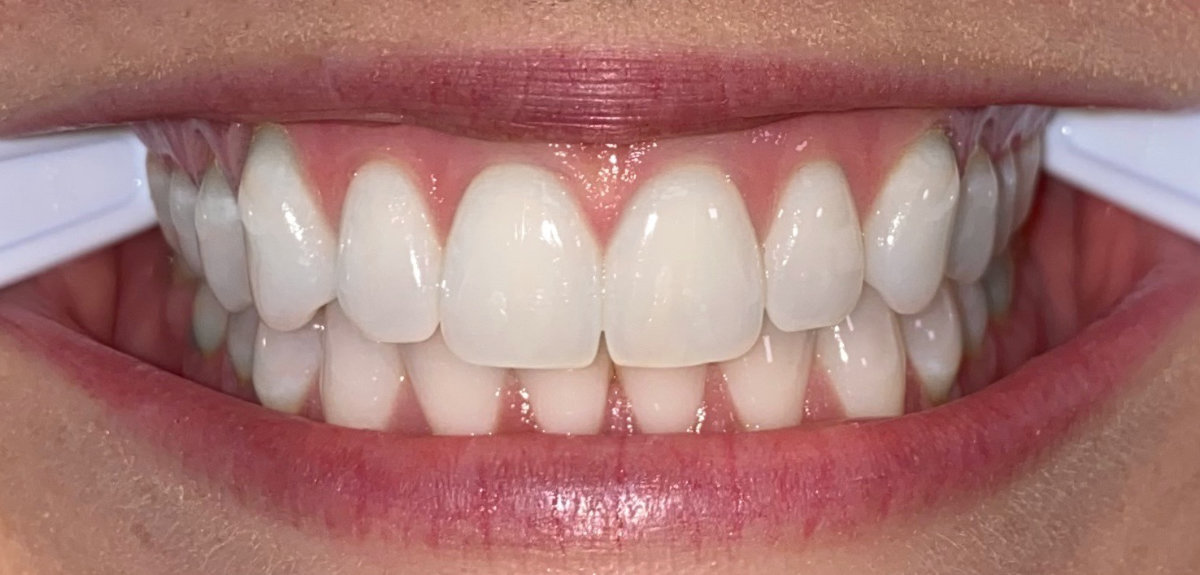
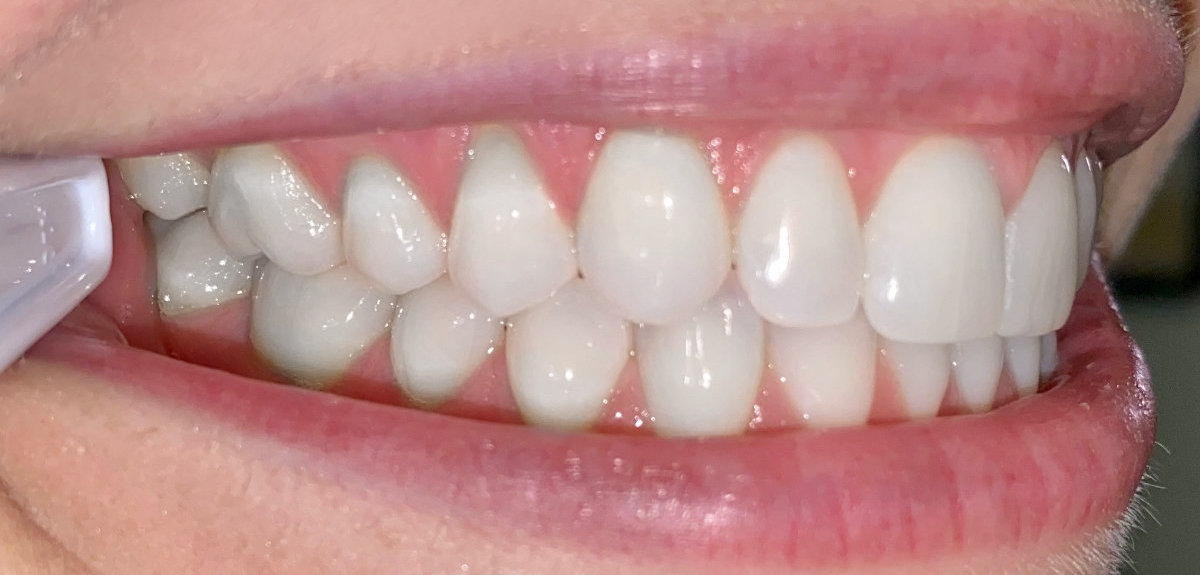
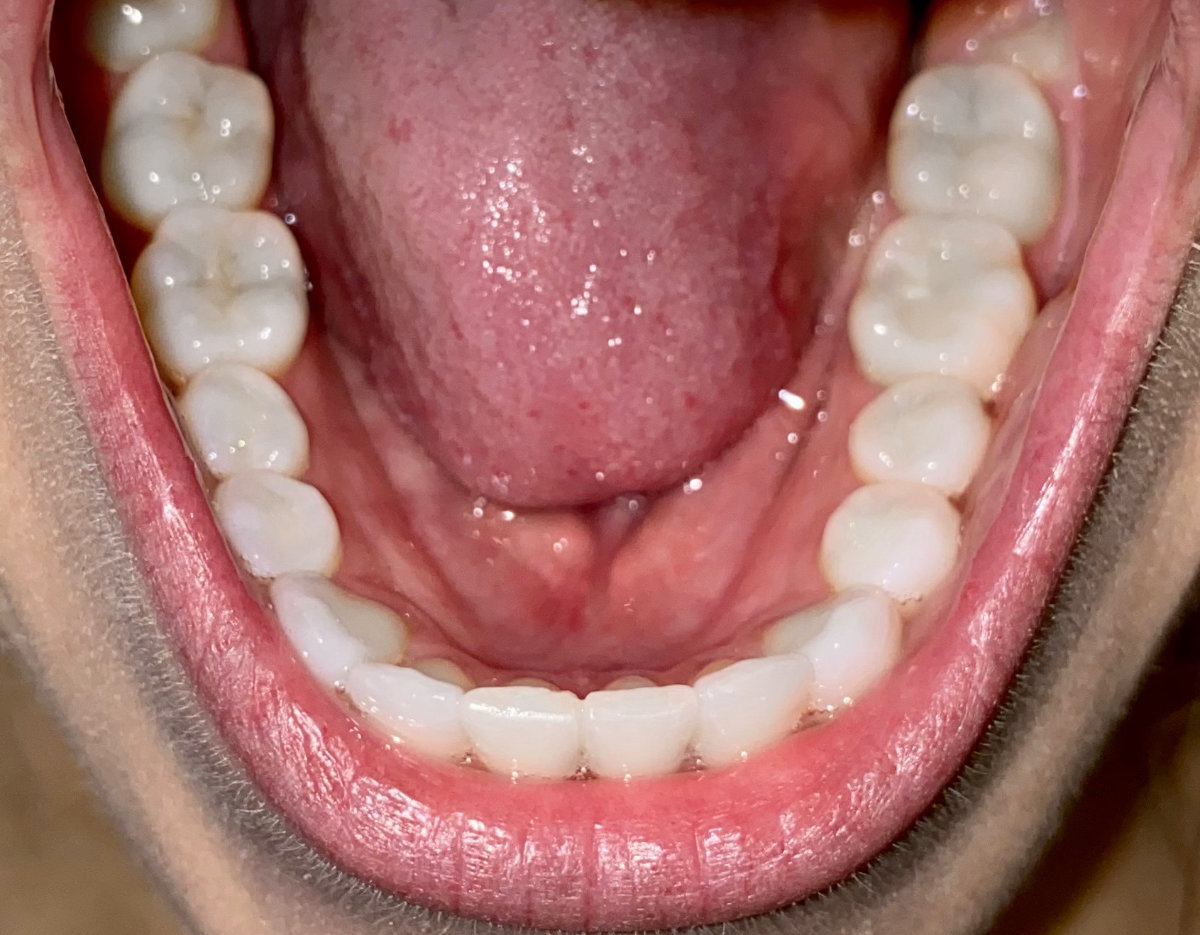
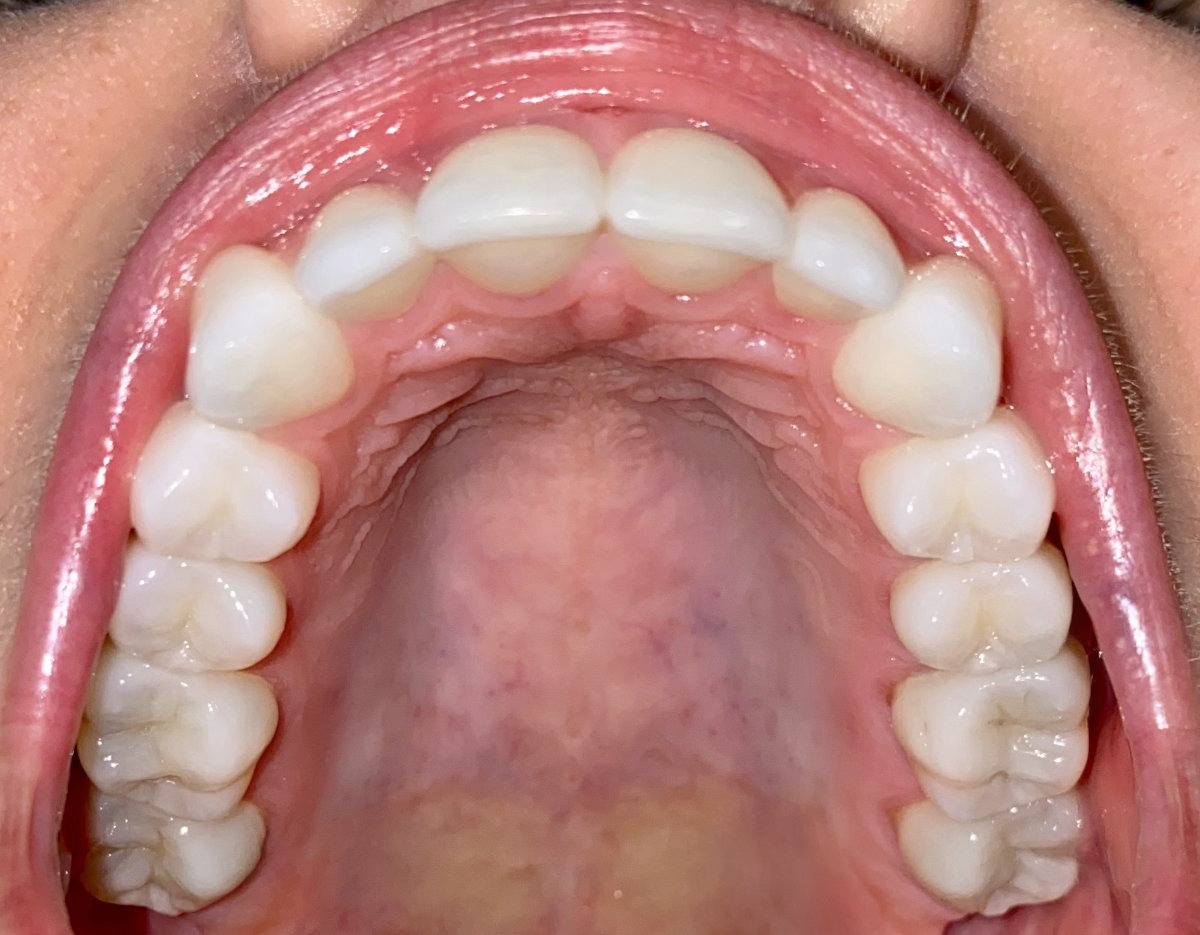
Need help taking photos?
Step 2:
Fill out the form below to upload your pictures.
Step 3:
You’re finished! We will assess your photos and will get back to you soon with more information.
VERY IMPORTANT
When we send you an email, or you send us an email, the information sent is not encrypted. That means a third party may be able to access the information and read it since it is transmitted over the Internet. If you receive an email, someone may be able to access your email account and read it.
- HIPAA stands for the Health Insurance Portability and Accountability Act
- HIPAA was passed by the U.S. government in 1996 in order to establish privacy and security protections for health information
- Information stored on our computers is encrypted.
- Most popular email services (ex. Hotmail®, Gmail®, Yahoo®) do not utilize encrypted email.
- Email is a very popular and convenient way to communicate for a lot of people, so in their latest modification to the HIPAA act, the federal government provided guidance on email and HIPAA.
- The guidelines state that if a patient has been made aware of the risks of unencrypted email, and that same patient provides consent to receive health information via email, then a health entity may send that patient personal medical information via unencrypted email.
- For more information visit https://www.gpo.gov/fdsys/pkg/FR-2013-01-25/pdf/2013-01073.pdf.
By sending a request for virtual consultation with email you are accepting the terms and conditions of utilizing non-encrypted email to communicate health information.